
Dear Valued Customer,
We are pleased to announce that the new SP Trader X mobile trading application is now officially available. The upgraded platform offers enhanced functionality, improved system stability, and a more streamlined trading experience.
To support this system enhancement and ensure the continued reliability of our futures and options trading services, all futures and options clients are encouraged to migrate to the new SP Trader X mobile trading application at their earliest convenience.
Please note that the desktop trading platform will remain unaffected by this upgrade and may continue to be used as normal.
The existing SP Trader mobile trading application will be discontinued with effect from 1 November 2026. From that date onwards, clients will no longer be able to execute trades or access related services through the legacy mobile application. To avoid any disruption to your trading activities, please complete the migration before 1 November 2026.
Installation and Login Instructions
1. Download and install the SP Trader X mobile trading application.
| iOS (App Store) | Android (Google Play) | Android (APK) |
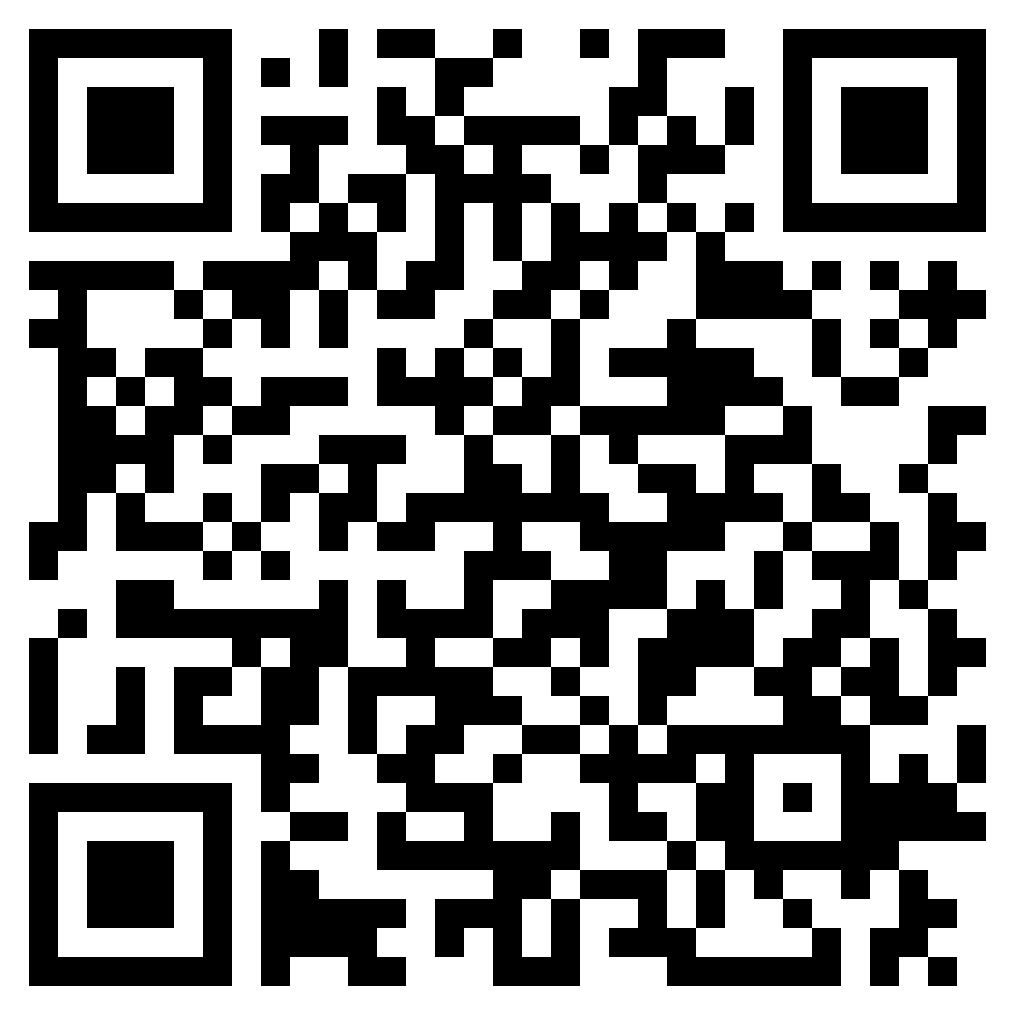 |
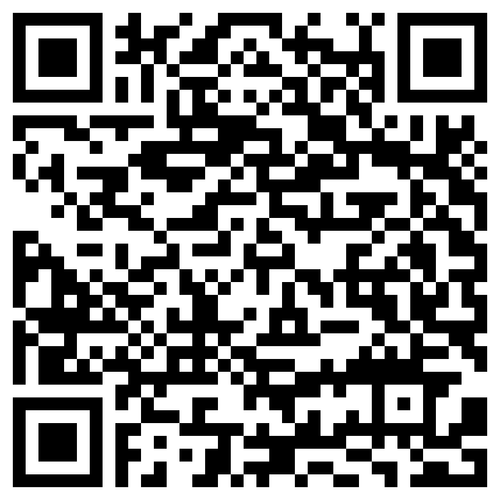 |
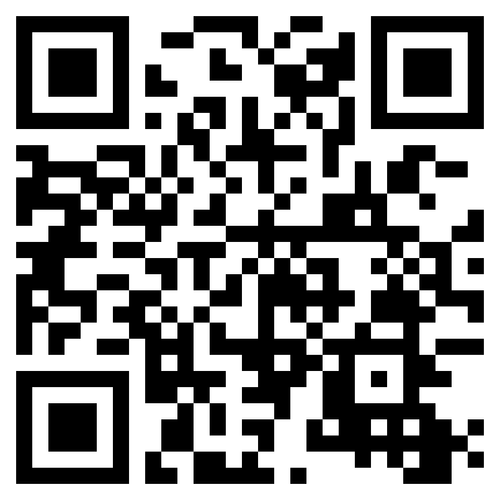 |
2. Open the application, select “Login”, and then choose “Search for Brokers”.
3. Enter either “DELTAASIA” or the Chinese broker name in the broker search field and select the appropriate futures or options trading system.
4. Log in using your existing account number and password.
5. Review the on-screen disclaimer and terms carefully. If you agree to the applicable terms, select “Agree & Login” to complete the login process.
Thank you for your continued support and confidence.
Should you have any questions, please contact your Account Manager or our Customer Service Department at (852) 2533 0722.
Yours faithfully,
Delta Asia Securities Limited